The pier look combines a few strong visual cues: weathered wood leading into the distance, water on both sides, warm backlight and a relaxed performance. Keep those details consistent across your reference and prompt.
A steady medium-wide shot leaves enough room for two people without hiding their faces. Dramatic camera movement is harder to control, so begin with a fixed camera or a slow push-in and review the body movement carefully.
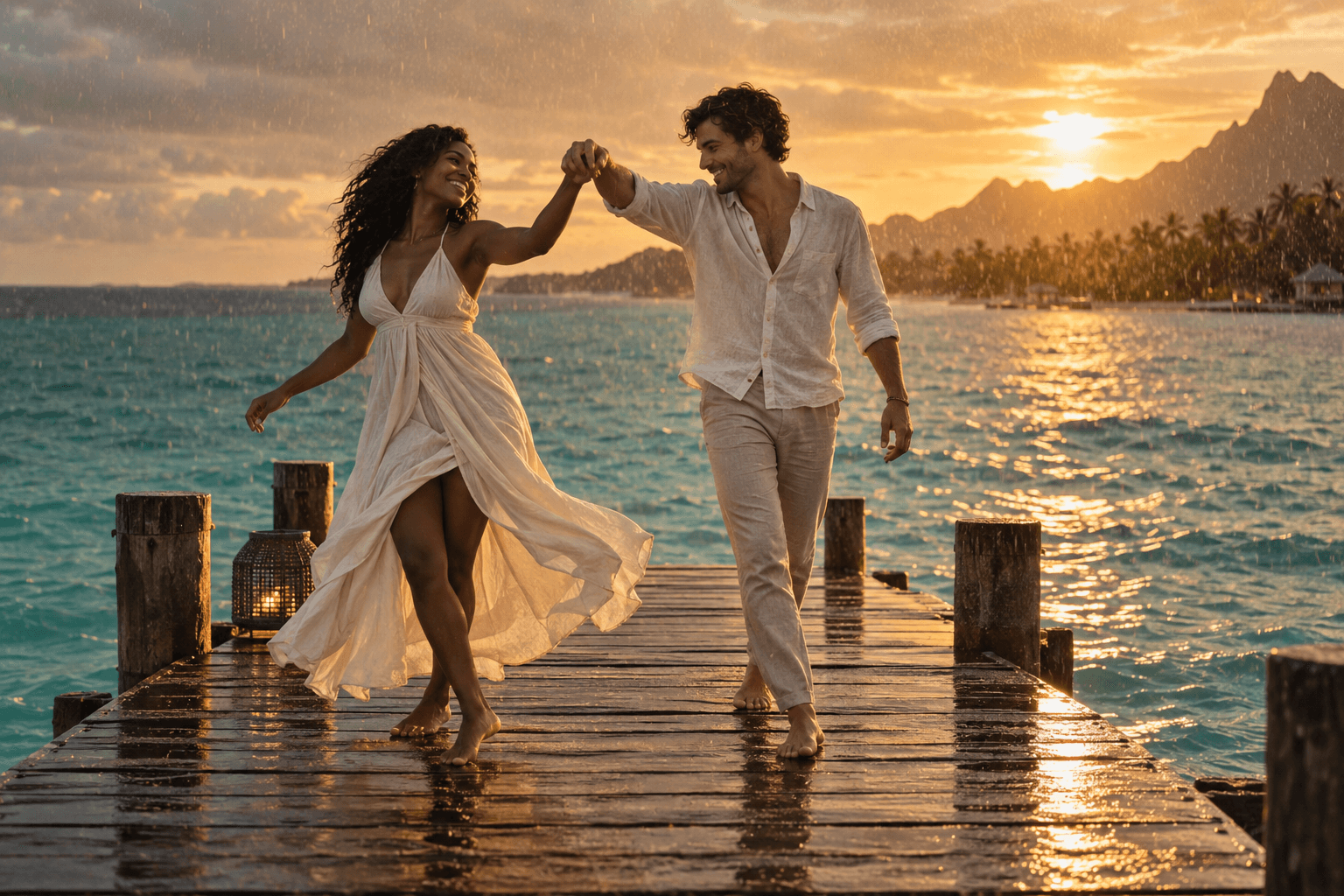 AI concept image
Place the people and the horizon deliberately
Use the boardwalk as a leading line toward the duo, but avoid placing the horizon across a person’s eyes. Leave some space between the subjects so arms and clothing do not merge into one shape. A medium-wide frame makes the location visible while retaining readable faces. These choices are a composition brief, not an exact map of a particular original video.
Choose one camera instruction
A locked camera, a slow push-in and a sideways tracking shot produce different kinds of movement. Start with the locked version if you need to evaluate identity. Do not ask for a camera orbit, a zoom and a whip pan in the same short test. Review the pier rails and planks as well as the people: shifting straight lines can make the scene feel unstable.
Copy a pier-specific shot brief
Keep the references fixed while you experiment with light. If backlighting hides the faces, add a request for soft fill light rather than changing the people or the whole scene. For a rain variant, use fine droplets and retain the same time of day. Save the prompt alongside each result so you can identify which change helped.
Sources and editorial notes
Original shot plans and AI-assisted writing, checked against the linked documentation on the date above. These guides do not claim provider quality benchmarks or a verified Raindance preset. Settings and availability should be checked in the provider you use. Read our editorial approach